


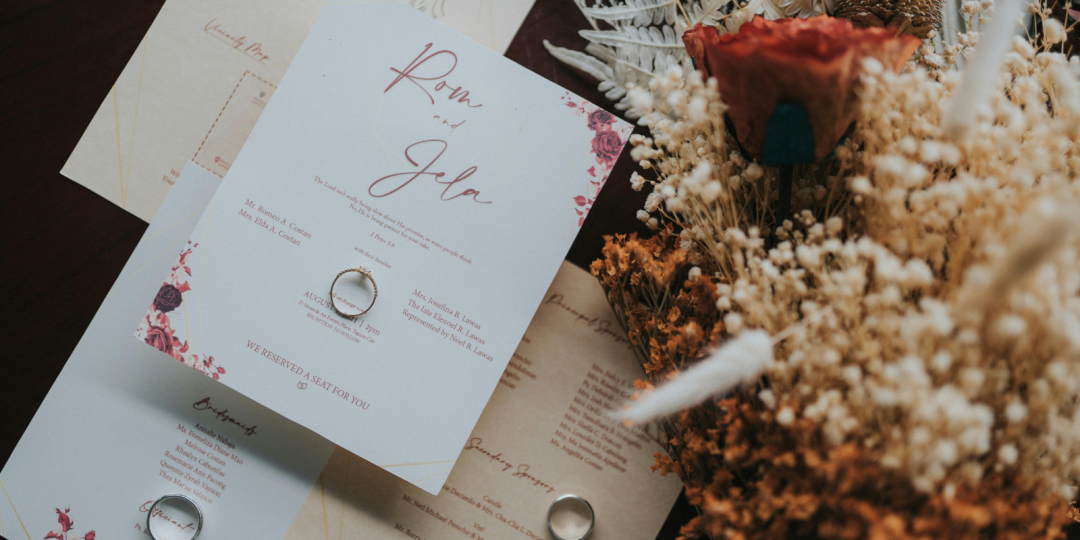
A wedding website gives your guests one easy place to find everything they need to know about your wedding, from RSVP details and dress code to accommodation, travel information, and FAQs.
But how do you include your website on your invitations without compromising the look and feel of your stationery?
The good news is, sharing your wedding website URL on your invitations is completely acceptable in modern wedding etiquette – and there are plenty of ways to do it while keeping your stationery looking beautiful!
From save-the-dates to QR codes, here’s how to make sure your guests know where to find your website.

Where to Include Your Wedding Website
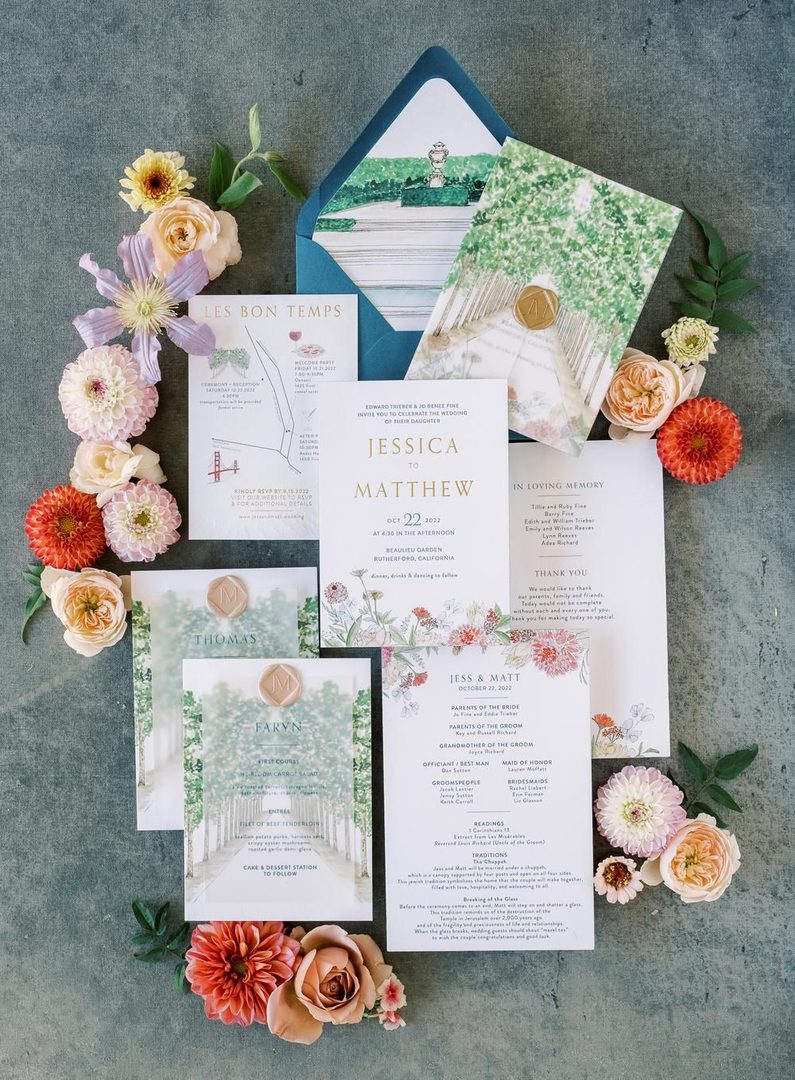
There are a few different places you can share your wedding website, depending on the type of stationery you’re sending and how formal you want your invitations to feel. Here’s where to include it and what works best for each option.
Save-the-Dates
Your save-the-date is often the first piece of wedding stationery your guests receive, so it’s a great opportunity to introduce your wedding website early. This is especially helpful if you’re planning a destination wedding or have guests who will need to arrange travel and accommodation.
Remember, you don’t need to share every detail at this stage. A short note directing guests to your website is enough to let them know where they can find more information as your plans come together.
For example:
For more wedding details, visit our website: (URL)
Or
More details to come! Visit (URL) for updates and travel information.
Formal Invitation Suite
For a formal invitation suite, think about where your website URL will fit best with your overall stationery design.
If you don’t mind including it on the invitation itself, a short line at the bottom can work perfectly:
For additional details, please visit our wedding website: (URL)
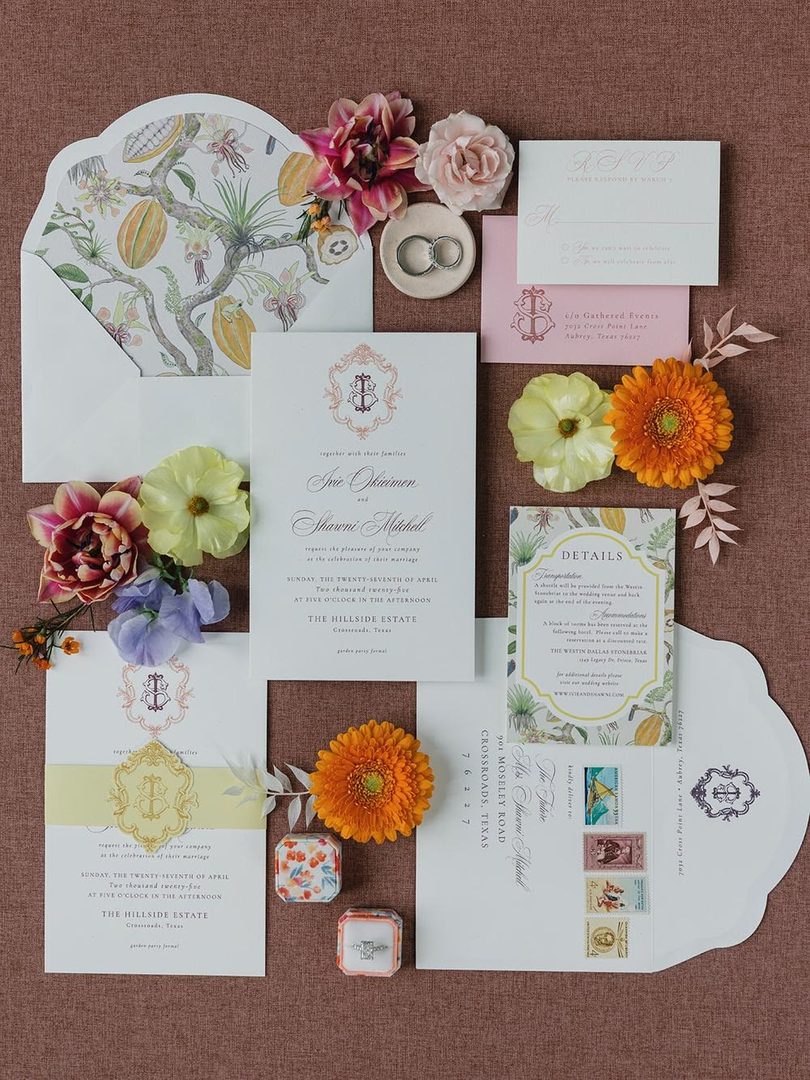
For a more traditional or formal feel, you can keep the main invitation focused on the essential details and include your website URL on a separate, dedicated “details” card. This gives you a little more space to share the website alongside other useful information, without adding extra text to the main invitation.
Alternatively, if you’re collecting RSVPs online, a seperate RSVP card might be a more natural place to include your website. Simply include a short line such as:
To RSVP and view additional wedding details, please visit (URL)
This way, guests know exactly where to go and what they’ll find when they get there.

Digital Invitations & E-Cards
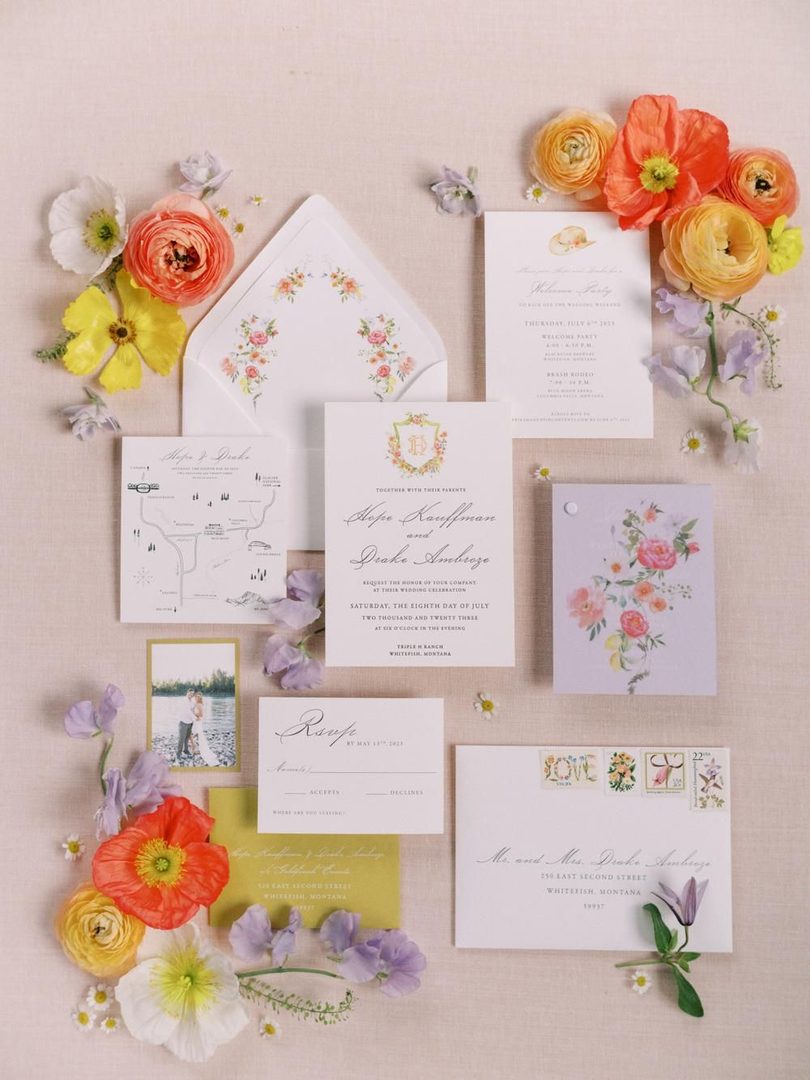
Digital wedding invitations make it even easier to connect guests directly to your wedding website.
Rather than asking guests to type out a URL, you can add a clickable button or hyperlink that takes them straight to your site or RSVP page.
Keep the call to action clear, such as “View Wedding Details & RSVP” or “Visit Our Wedding Website.”
Before sending your invitations, make sure you click through the link yourself on both desktop and mobile to check it’s working as expected!
QR Codes
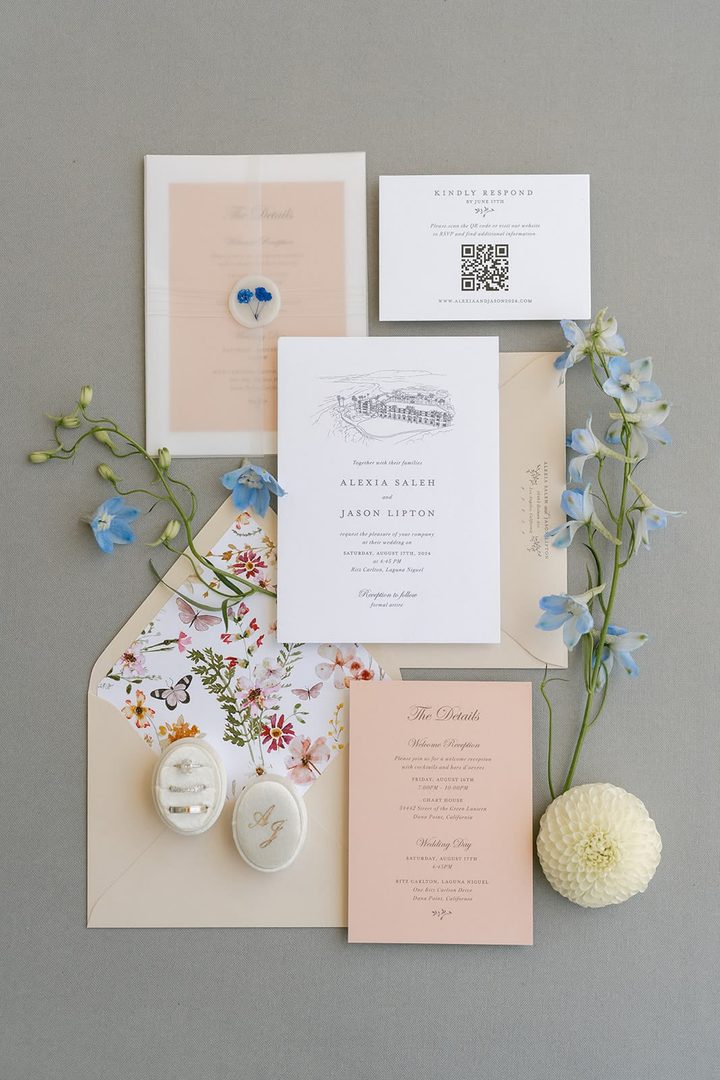
A wedding QR code can be a handy addition to printed invitations, details cards, or RSVP cards, giving guests a quick way to open your wedding website from their phone.
Keep the QR code somewhere easy to spot and include a simple instruction so guests know what it does:
Scan to visit our wedding website.
or
Scan to RSVP and find all the details.
A few print tips: Make sure the QR code is large enough to scan easily, has enough clear space around it, and always test it before your stationery goes to print. The last thing you want is to discover your beautifully printed QR code isn’t working after everything has been sent!

Wedding Website Wording Examples
Not sure how to word your wedding website on your invitations? Here are a few options for different wedding styles and levels of formality.
Formal
- For additional details, please visit our wedding website: (URL)
- For full wedding details and to RSVP, please visit our wedding website: (URL)
- Please visit our wedding website for additional information, accommodation details, and to RSVP: (URL)
Minimalist
- Details & RSVP: (URL)
- Find wedding details here: (URL)
- More details online: (URL)
With a QR Code
- Scan to visit our wedding website.
- Scan to RSVP and find all event details.
- Scan for wedding details, updates, and RSVP.
Casual & Informal
- Check out all our wedding plans online! (URL)
- Want all the details? Head to (URL).
- Find everything you need to know about our wedding at (URL).
Warm & Personal
- We can’t wait to celebrate with you! Find all the details and RSVP at (URL).
- We’re so excited to celebrate with you! Visit (URL) for all the details.
- We can’t wait to see you there! Find our wedding details and RSVP at (URL).
Tips for a Better Guest Experience
A few small details can make sharing your wedding website much easier for guests – and save you a few questions along the way!
- Keep your URL short and memorable: A custom domain can make your website easier to remember, especially when guests are typing it into their phone. Learn exactly how to create a custom domain for your wedding website here.
- Test everything before sending: Check your URL, links, and QR code before your invitations are finalized.
- Make the next step clear: If you’re collecting RSVPs online, tell guests exactly where to go and what they need to do.
- Consider your invitation style: If you prefer a more traditional invitation, putting your website on a separate details or RSVP card keeps the main invitation classic while still giving guests easy access to additional information.
- Make sure your website is up to date: Before your invitations go out, double-check that all the details guests will see are accurate.

Make Sharing Your Wedding Website Easy
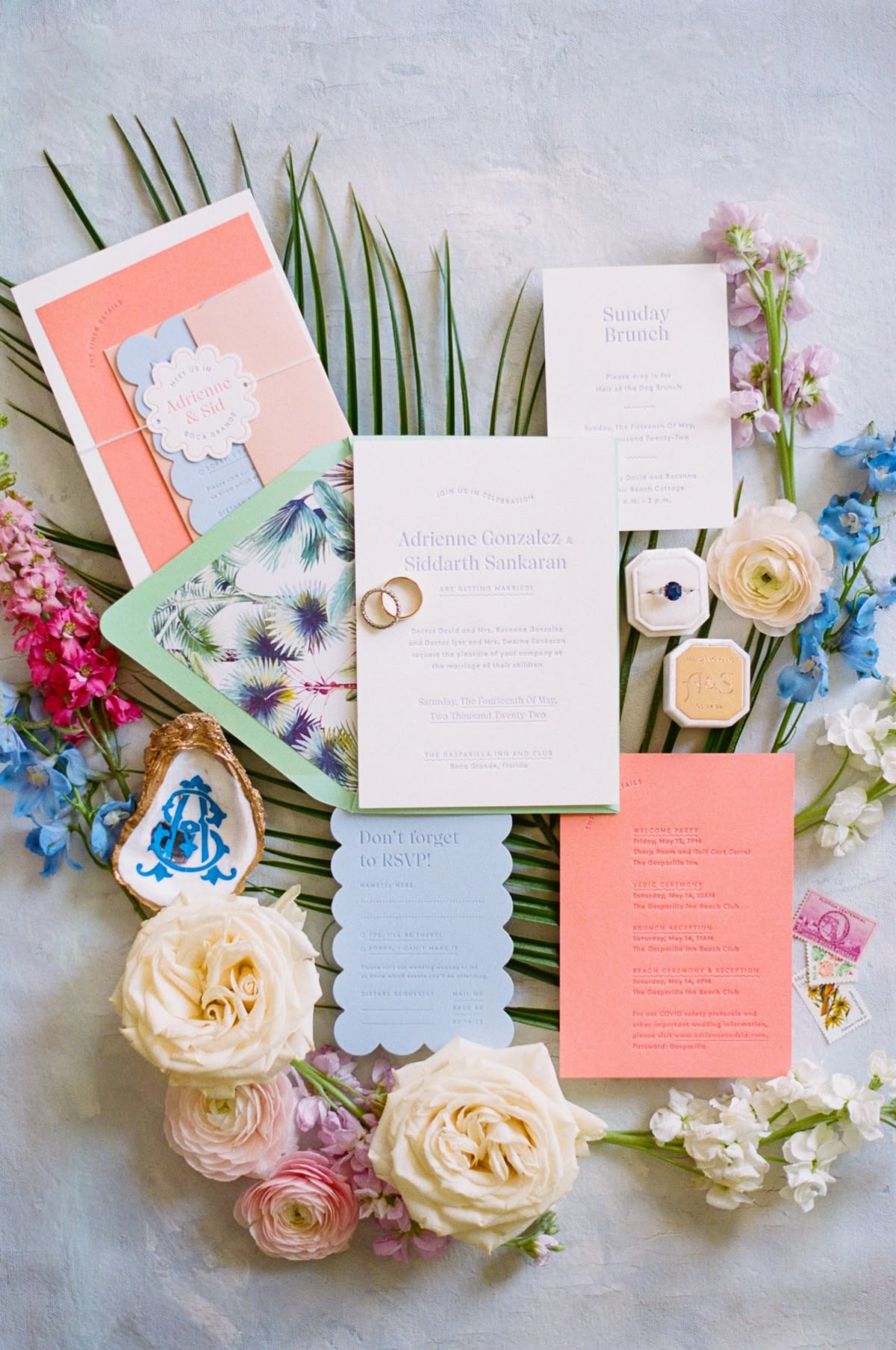
Remember, your wedding website is there to make things easier for both you and your guests. Whether you share a simple URL, add a QR code to your stationery, or link directly from a digital invitation, the goal is the same: give guests an easy way to find the information they need.
Need a custom URL or QR code? WedSites makes it easy to set up both, so you can share your wedding website in a way that fits your invitations and your style