


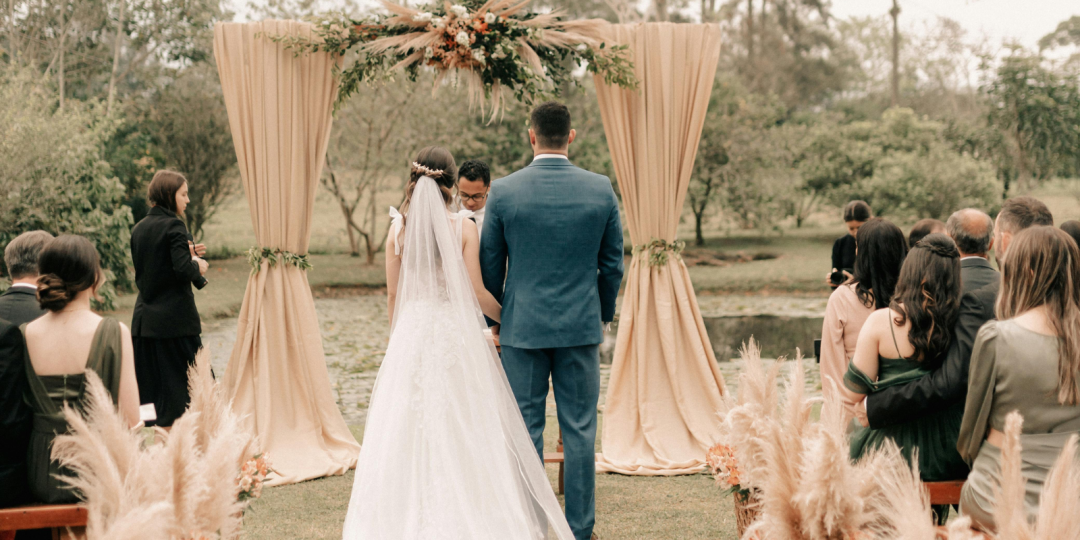
All your biggest wedding website questions – answered in one place.
From what to include and when to launch your site to custom domains and how online RSVPs work, there’s a lot to think about when creating a wedding website.
Whether you’re just starting to plan or already have your website up and running, this comprehensive guide covers the most common questions you’re likely to have along the way.
From the basics to the finer details, here’s what you need to know!
Getting Started FAQs
What Is a Wedding Website?
A wedding website is a dedicated online space where you can share all the important details about your wedding with your guests. It can include everything from your date and venue to accommodation, FAQs, your registry and RSVP information.
Why Do I Need a Wedding Website?
A wedding website gives your guests a convenient place to find the information they need for your event, without having to search through emails, texts, or invitation inserts. It’s especially helpful for keeping everyone updated when details change throughout the planning process, and for collecting online RSVPs.
How Do I Create a Wedding Website?
Start by choosing a wedding website builder, then select a template and add your wedding details, photos, and other information your guests will need. Once you’re happy with it, customize the design, set your privacy preferences, and share the website with your guests. Read our detailed step-by-step guide to creating your wedding website here!
When Should I Launch My Wedding Website?
You can create your website as early as you like, but it’s helpful to have it ready when you send your save-the-dates or invitations. This gives guests somewhere to find additional information, particularly if they need to make travel or accommodation plans.
Are Wedding Websites Free?
Some wedding website builders offer free plans, while others charge for additional features or premium plans. Free options can work well for couples who only need the basics, while paid plans may include extra features such as online RSVPs, guest list management, and additional customization.

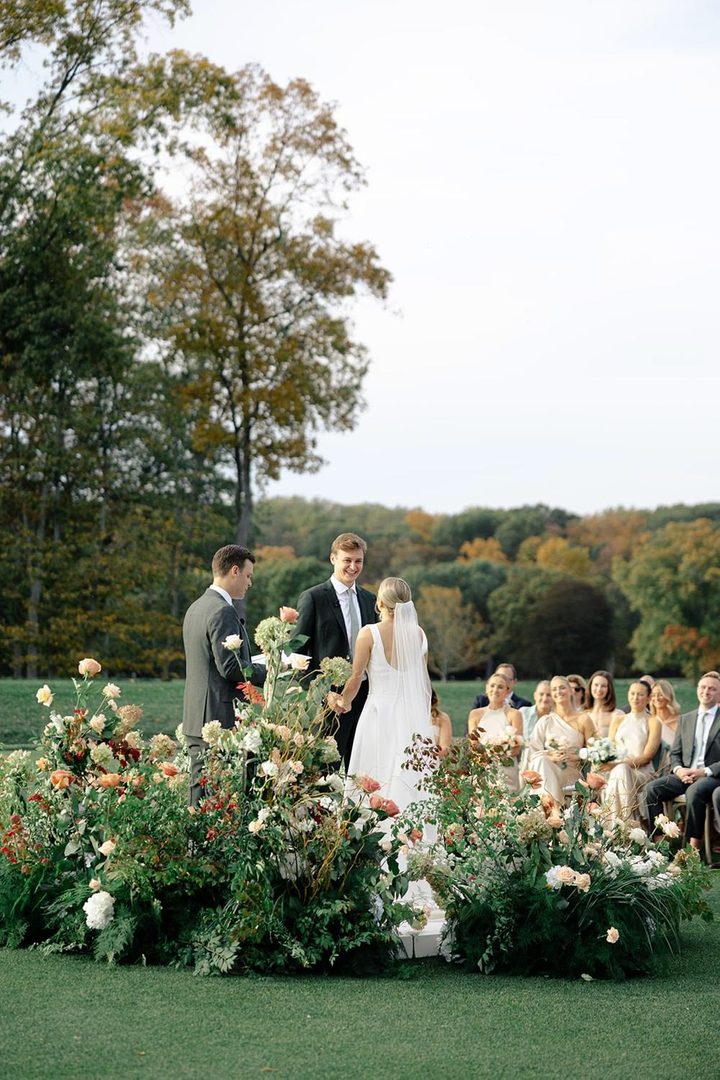
Website Features & Customization FAQs
What Information Should I Include on My Wedding Website?
Focus on the information your guests are most likely to need, such as your wedding date, venue, schedule, RSVP details, dress code, accommodation, travel information, and FAQs. You can also include your love story, introduce your bridal party, share registry details and other personal touches that help make the site feel like yours.
Can I Password-Protect My Wedding Website?
Yes, many wedding website builders offer password protection so you can control who can access your site. This can be particularly useful if you’re sharing personal information, private events, or details you’d prefer not to have publicly accessible.
How Do I Customize My Wedding Website Design?
Most wedding website builders let you start with a template and customize elements such as colors, photos, and layout. More advanced website builders also allow you to add and remove pages, use custom fonts or add custom coding. Want real examples? View our wedding website showcase here!
Can I Change My Wedding Website Template Later?
It depends on the wedding website builder, but many allow you to change or update your design after you’ve started building your site. If you’re considering a template change, check whether your content and customizations will carry over before making the switch.
How Do I Create a Custom URL or Domain Name?
A custom domain (eg. EmilyAndJordan.com) can make your website easier for guests to remember and share. You can purchase a domain name from a domain registrar and connect it to your wedding website in a few simple steps. Read our guide on how to create a custom wedding website domain name here.
Can I Add Photos and Videos to My Wedding Website?
Absolutely! Photos and videos are a great way to make your wedding website feel more personal. Consider adding engagement photos, images from your relationship, or photos introducing your wedding party, while ensuring your website is still easy to navigate and quick to load.
Can I Make My Wedding Website Private or Hidden From Search Engines?
Yes, depending on your website builder, you may be able to password-protect your website or prevent it from appearing in search engine results. If privacy is important to you, check which options your platform offers and avoid sharing sensitive personal information publicly.
Online RSVP & Guest Management FAQs
How Do I Collect RSVPs on My Wedding Website?
If your wedding website includes an online RSVP feature, you can ask guests to respond directly through your site. This keeps responses, guest details and important information like meal choices in one place – making it much easier to keep track of your guest list.
Can Guests RSVP for Multiple Events?
Yes, if your wedding website supports event-specific RSVPs, guests can respond to each event they’re invited to. This is particularly helpful if you’re hosting several celebrations over your wedding weekend, such as a welcome party, rehearsal dinner, or post-wedding brunch.
How Do I Track Meal Choices and Dietary Restrictions?
Include meal selections and dietary requirements as part of your online RSVP form. This allows you to collect the information as guests respond and keep everything together. You can then export and send the details to your caterer as the day gets closer.
Can Guests Bring a Plus-One?
That depends on who you’ve invited and how you’ve set up your guest list. If a guest has been given a plus-one, make sure your RSVP allows them to add their guest and provide any required details, such as their name and dietary requirements. Read our etiquette guide on who actually needs a plus-one here.
How Do I Send Reminders to Guests Who Haven’t RSVP’d?
Once your RSVP deadline is approaching, you can send a friendly reminder to anyone who hasn’t responded. Start with a general group reminder as the due date gets closer, then send an individual follow up to guests who still haven’t replied. With WedSites, you can also set up automated reminders to follow up with guests on your behalf.
Can Guests RSVP as a Couple or Household?
Yes, many wedding websites allow couples or households to RSVP together. This can make the process simpler for guests while helping you keep related guests grouped together on your guest list.
Can I See Which Guests Have Viewed or Responded?
Yes – depending on your wedding website platform, you may be able to see which guests have responded to your RSVP, and whether they’ve viewed certain information or received communications. Having this information in one place can make it easier to keep track of your guest list and follow up with anyone who still needs to respond.
QR Codes & Sharing FAQs
What Is a Wedding Website QR Code?
A wedding website QR code is a scannable code that takes guests directly to your wedding website. It can be especially handy on printed invitations, RSVP cards, signage, or other stationery where guests can scan it with their phone instead of typing in a URL.
How Do I Add a QR Code to My Wedding Invitations?
Simply generate a unique QR code that links directly to your wedding website, then add it to your invitation or a separate details card. Keep it somewhere easy to spot and include a short instruction such as “Scan to visit our wedding website”. Read our helpful guide for using wedding QR codes here.
Is It Safe to Use a QR Code for My Wedding Website?
Yes, as long as the QR code links to your intended wedding website and you’re using a reputable QR code generator or wedding website platform. Always scan and test the code before your invitations are printed to make sure it takes guests to the correct page!
The easiest way to share your wedding website is by including the URL or QR code on your save-the-dates and invitations, but you can also share it directly with guests via email or messaging. Choose the methods that make the most sense for your guests, and make sure the website link is easy to find and access.
Multiple Events & International Guests FAQs
Can I Include Multiple Wedding Events on My Website?
Absolutely. Your wedding website can be a great place to share details for every part of your celebration, from welcome parties and rehearsal dinners to the ceremony and post-wedding brunch.
If not every guest is invited to every event, use guest-specific visibility so each person only sees the events that apply to them. We explain how to organize multiple events on your wedding website here.
How Do I Make My Website Accessible for Guests Who Speak Different Languages?
If you’re inviting guests who speak different languages, consider providing key information in both languages where possible. Some multilingual wedding website builders allow you to assign a language preference to individual guests, so each person can view your website in their preferred language.
Your wedding website is the perfect place to bring all your travel information together, especially for a destination wedding! Include accommodation options, transport details, directions, airport information, local recommendations, and a clear itinerary so guests can easily plan their trip.
What If Some Guests Aren’t Tech-Savvy?
Keep your website simple and make important information easy to find. If you’re collecting RSVPs online, clearly explain what guests need to do and consider giving anyone who needs extra help an alternative way to get in touch.
Registry, Gifts & Cash Funds FAQs
Can I Add a Registry or Honeymoon Fund to My Wedding Website?
Yes. Many wedding websites allow you to link to your gift registry, honeymoon fund, or other gift options so guests can easily find the information in one place. You can also use your website to explain what you’d love to receive, particularly if you’re choosing a cash fund or asking for contributions towards something specific. Read our guide to sharing registry details on your wedding website here.
Keep the wording warm and optional, making it clear that your guests’ presence is what matters most. Rather than making gifts feel expected, use your wedding website to gently let guests know where they can find your registry or how they can contribute if they’d like to.
For example: “Your presence at our wedding is the greatest gift of all. For those who would like to celebrate with a gift, we’ve included our registry details here.”

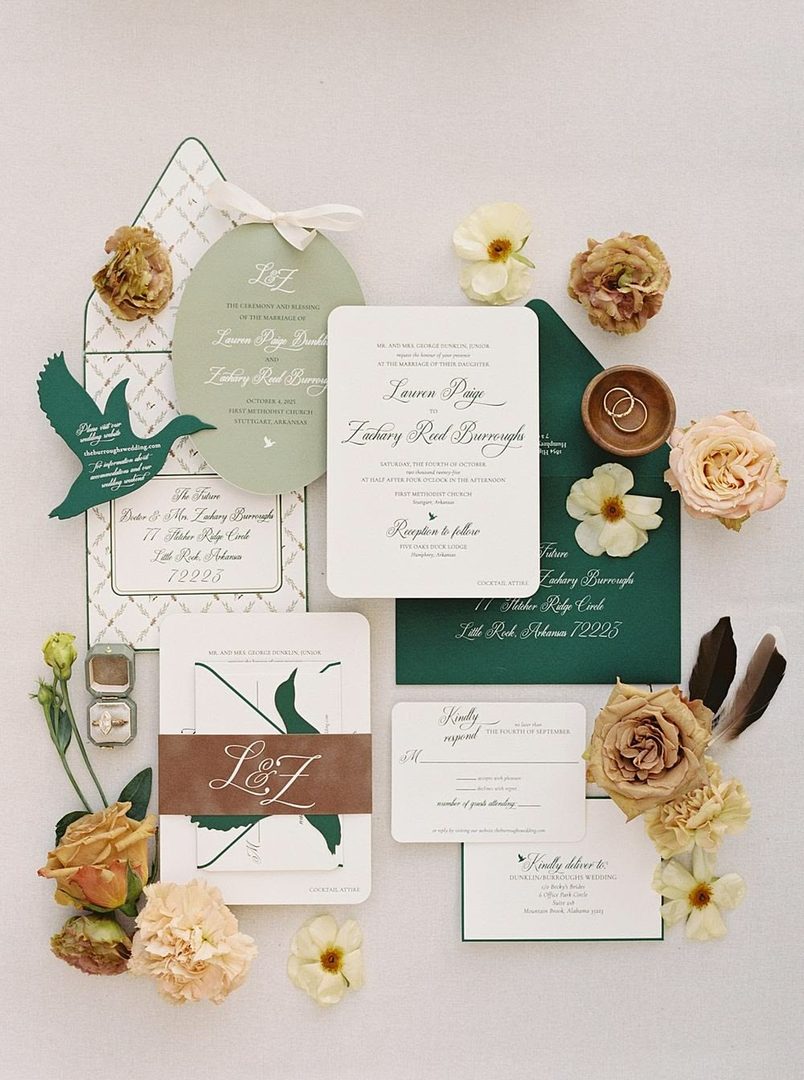
Privacy & Security FAQs
Who Can See My Wedding Website?
That depends on the privacy settings available through your wedding website builder. Some websites are public, while others let you add a password or limit certain information to specific guests. If you’re sharing personal details, you can choose the level of privacy that feels right for you.
How Do I Protect My Guests’ Information?
Only include the information your guests genuinely need, and avoid publishing sensitive personal details such as private contact information. If your website includes details like venue addresses, accommodation details or guest names, consider using password protection or guest-specific visibility where available.
Are Wedding Websites Secure?
Most reputable wedding website platforms use security measures to help protect your website and guest information. To keep your details private, it’s still a good idea to use the available privacy settings, and avoid sharing sensitive personal information on your site.
After the Wedding FAQs
How Long Should My Wedding Website Stay Online?
There’s no set rule for how long to keep your wedding website online. Many couples leave theirs up for several months after the wedding so guests can access photos, share memories, or refer back to information, while others choose to keep it as a digital keepsake for years to come.
Can I Collect Wedding Photos From Guests Through My Website?
Absolutely! Your wedding website can be a great place to invite guests to share their favourite photos and candid moments from the day. You could use a guestbook or photo-sharing feature built into your wedding website, or create a shared Google Drive or Dropbox folder where guests can upload their photos.
How Do I Thank Guests Using My Website?
Your wedding website can make it easy to thank everyone after the big day. Use a group update message to send a thank you to all your guests at once, and include a few favourite photos or a link to your gallery so they can relive the celebration with you.
You could also use your website’s guestbook to leave a personal thank you message or share a final update once your wedding celebrations are over.

Troubleshooting & Support FAQs
What If I Need to Update My Website After Sending Invitations?
That’s completely fine – one of the biggest benefits of a wedding website is that you can update it as your plans change. If your schedule, accommodation details, or other important information changes after your invitations have gone out, simply update your website and send a group message so guests have access to the latest details.
Can I Migrate or Switch From Another Wedding Website Builder?
In many cases, yes – although the process will depend on the platform you’re moving from and the one you’re switching to. You may need to recreate your content, re-upload photos, and reconnect your custom domain, so it’s worth checking what can be transferred before making the switch.
What Happens If I Need Support or Run Into Technical Issues?
If something isn’t working as expected, start by checking your wedding website platform’s help centre or support options. For issues involving things like your domain, RSVPs, or website settings, the platform’s support team should be able to guide you through the next steps.
Platform-Specific FAQs
How Is WedSites Different From The Knot, Zola, or Minted?
Each wedding website platform offers a slightly different mix of features, designs, and planning tools, so the best choice comes down to what matters most to you. WedSites focuses on highly customizable websites, alongside additional features like online RSVPs and guest list management.
When comparing platforms, look at the website designs, customization options, RSVP and guest management features, privacy settings, and any costs or limitations that apply. We compare the most customizable wedding website builders here.
Can I Build a Wedding Website Without Ads or Marketing Emails?
Yes, some wedding website platforms offer an ad-free experience and don’t require you to expose your guests to third-party promotions. If this matters to you, check the platform’s terms and features before choosing one, particularly if you’re looking for a clean, dedicated space for your wedding information.
Ready to Create Your Wedding Website?
Hopefully, we’ve answered some of your biggest wedding website questions and made the whole process feel a little simpler!
Ready to create yours? WedSites offers customizable wedding websites with features like online RSVPs and guest list management – all designed to make wedding planning a little easier.
Explore our wedding website templates here, or learn more about our full suite of digital planning tools.