
When it comes to guest communication, your invitations don’t have to do all the work! Many couples now use their wedding website alongside their stationery to share extra details, collect RSVPs, and keep guests updated throughout the planning process.
The key is making sure everything feels connected and easy to follow. Here’s how to make your wedding website, save-the-dates, and invitations work together beautifully (and keep the experience simple for your guests).
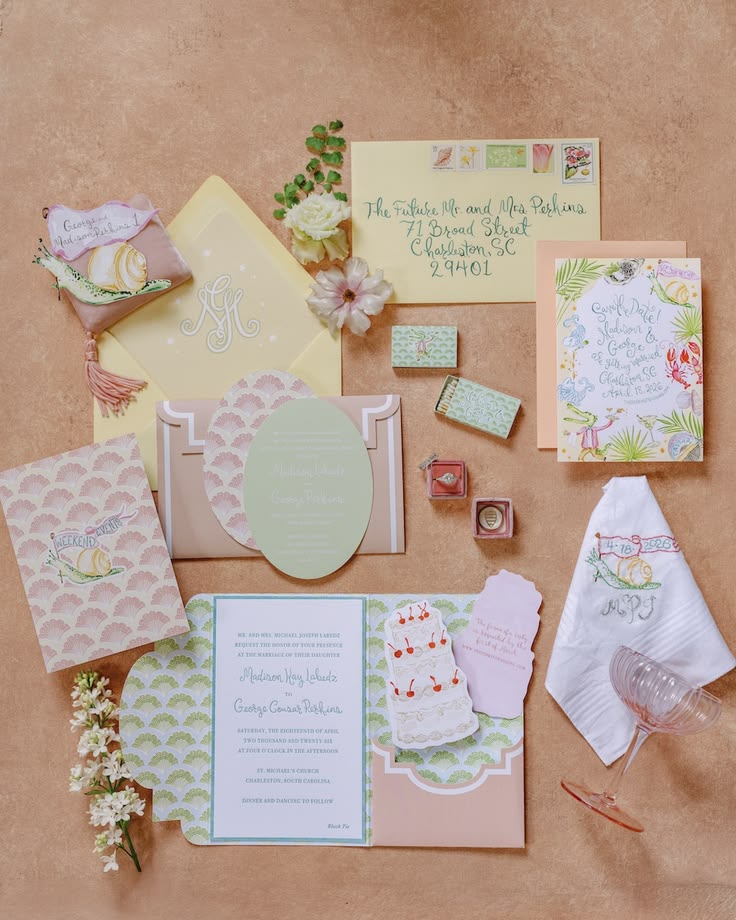
How To Add Your Website URL to Printed Save-the-Dates & Invitations
Your wedding website can be a natural extension of your printed stationery, giving guests somewhere to go when they want more information. Instead of trying to fit every detail onto your save-the-date or invitation, use your website to fill in the gaps!
Here’s how to make it clear and easy for guests to find your website.
Where to include it:
Your wedding website URL can be included on your save-the-dates, wedding invitations, or a separate details card. If you’re collecting RSVPs online, you can also include the URL on your RSVP card or use it in place of a traditional response card.
Using a QR code can also be a handy option on printed stationery, giving guests a quick way to access your website from their phone.
How to phrase it clearly:
Keep the wording simple and let guests know exactly what they’ll find on your website, such as additional wedding details or your RSVP form.
Wording examples:
Formal:
For additional wedding details, accommodation information, and to RSVP, please visit our wedding website: (insert link)
Simple:
For wedding details and to RSVP, please visit: (insert link)
Casual:
More details + RSVP: (insert link)
QR Code:
Scan to visit our wedding website and RSVP.
Tip: Keeping your website URL clear and easy to find means guests know exactly where to go for the information they need. Consider using a custom website domain to make your website URL even easier to remember.

How to Add Your Wedding Website To Digital Invites or E-Cards
If you’re opting for digital invitations or e-cards, your wedding website can make the whole process even more seamless. Not only can guests access the details they need in just one click, it’s also a more eco-friendly alternative to traditional paper invitations.
Here’s how to make the experience simple and straightforward for your guests.
Link directly to your RSVP page:
If you’re collecting RSVPs online, link guests straight to your RSVP page from your digital invitation. This saves guests from having to search through your website and makes the next step clear.
Think about the guest experience:
Before sending your digital invitations, click through the process yourself. Make sure the link takes guests exactly where you want them to go, your website is easy to navigate on a phone, and your RSVP page is simple to find and complete.
Make the link obvious:
Don’t bury your website link in the invitation text. A clear button such as “View Wedding Details & RSVP” or “Visit Our Wedding Website” makes the next step immediately obvious.
The goal is to make things feel effortless for your guests – ideally, they should be able to open their invitation, find the link, and know exactly what to do next.
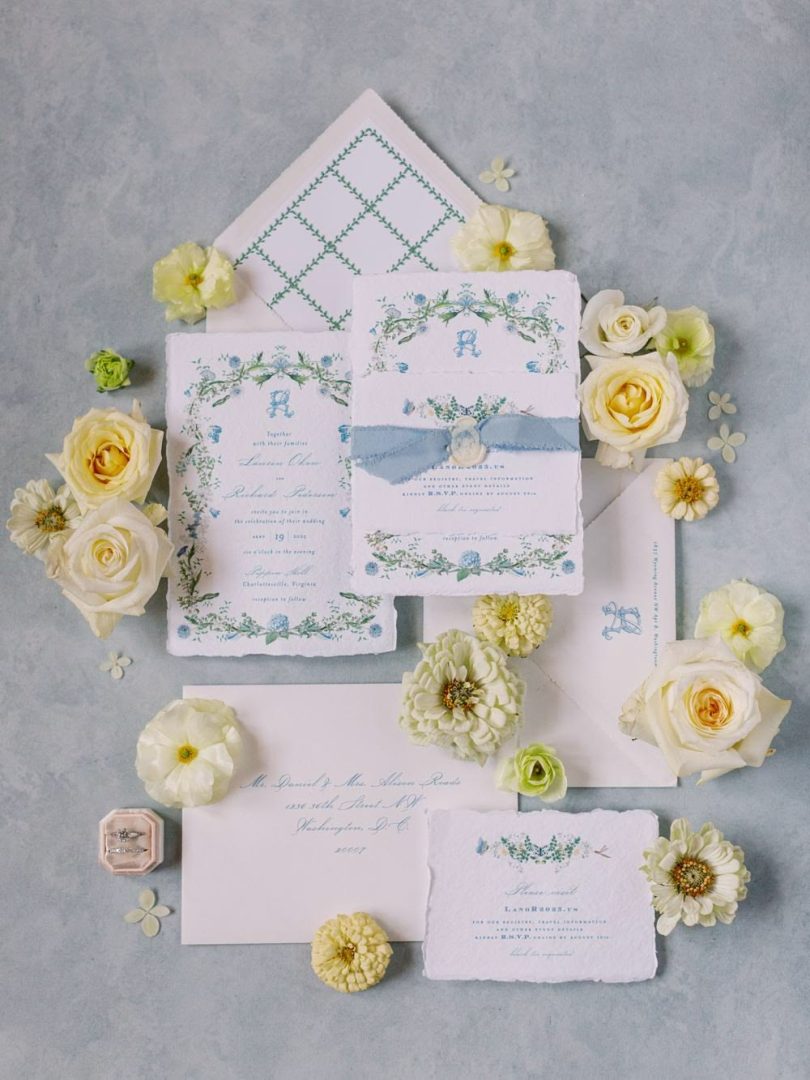
Best Practices for Digital RSVP Tracking
Using your wedding website to collect RSVPs online makes managing your guest list much easier! Instead of keeping track of responses across emails, texts, and paper response cards, you can keep everything in one place and quickly see who has responded.
Here are a few best practices to keep your digital RSVP process running smoothly.
Set a clear RSVP deadline:
Give guests a specific date to respond by, and make sure it’s clearly displayed on your invitation and wedding website. This gives you enough time to finalize your guest numbers and make arrangements with your venue and other vendors.
Send friendly reminders:
If a guest hasn’t responded by your RSVP deadline, a quick, friendly reminder is perfectly acceptable. You can send a general reminder or reach out to individual guests who still need to respond. Read our advice on reminding guests to RSVP without feeling pushy.
Use guest-specific visibility when needed:
If you’re hosting events that aren’t for every guest (such as a rehearsal dinner, welcome party, or post-wedding brunch) using guest-specific visibility to manage multiple events means each person only sees and RSVPs to the events they’re invited to. This keeps your website clear and avoids confusion.
The goal is to make the RSVP process easy for your guests, while giving you a simple way to keep track of responses and manage the details behind the scenes.
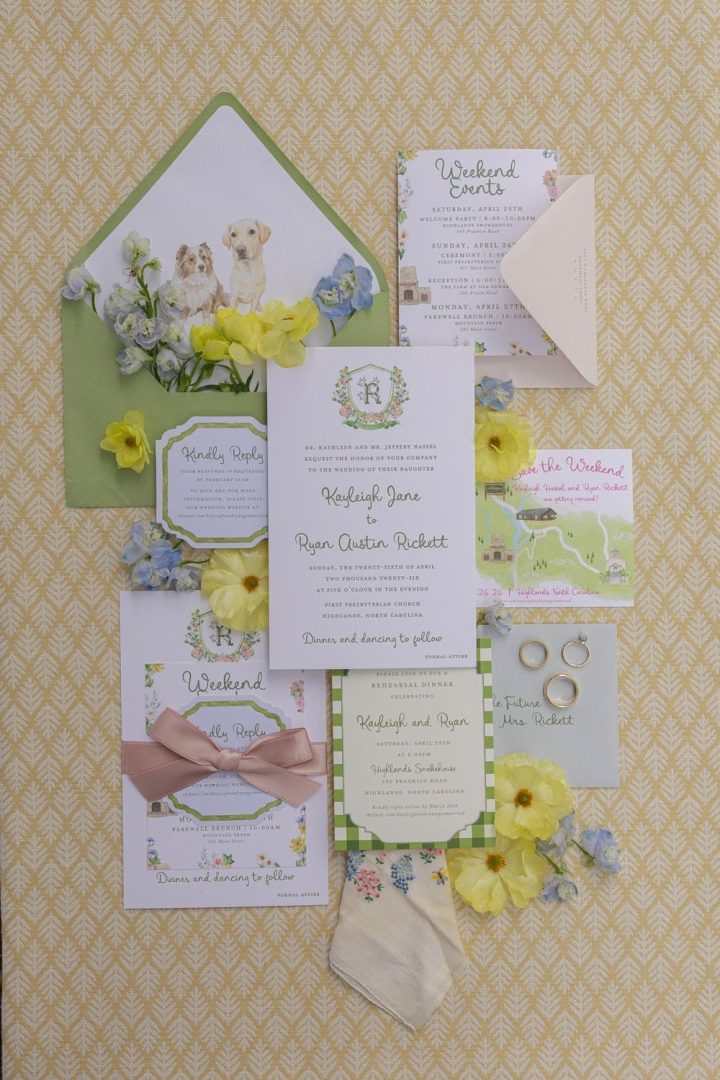
Wedding Website URL Wording Templates
Looking for wording ideas for sharing your wedding website with guests? Use these wording templates to suit every style of wedding.
Elegant & Formal
For full wedding details and to RSVP, please visit our wedding website: (insert link)
Please visit our wedding website for additional details, accommodation information, and to RSVP: (insert link)
Simple & Modern
For all the details and to RSVP, visit (insert link)
Find our wedding details and RSVP at (insert link)
Casual & Friendly
We’re going digital! Find everything you need, including our RSVP, at (insert link)
All the details, updates, and RSVP are waiting for you at (insert link)
Want the full details? Head to (link) to RSVP and find everything you need to know.
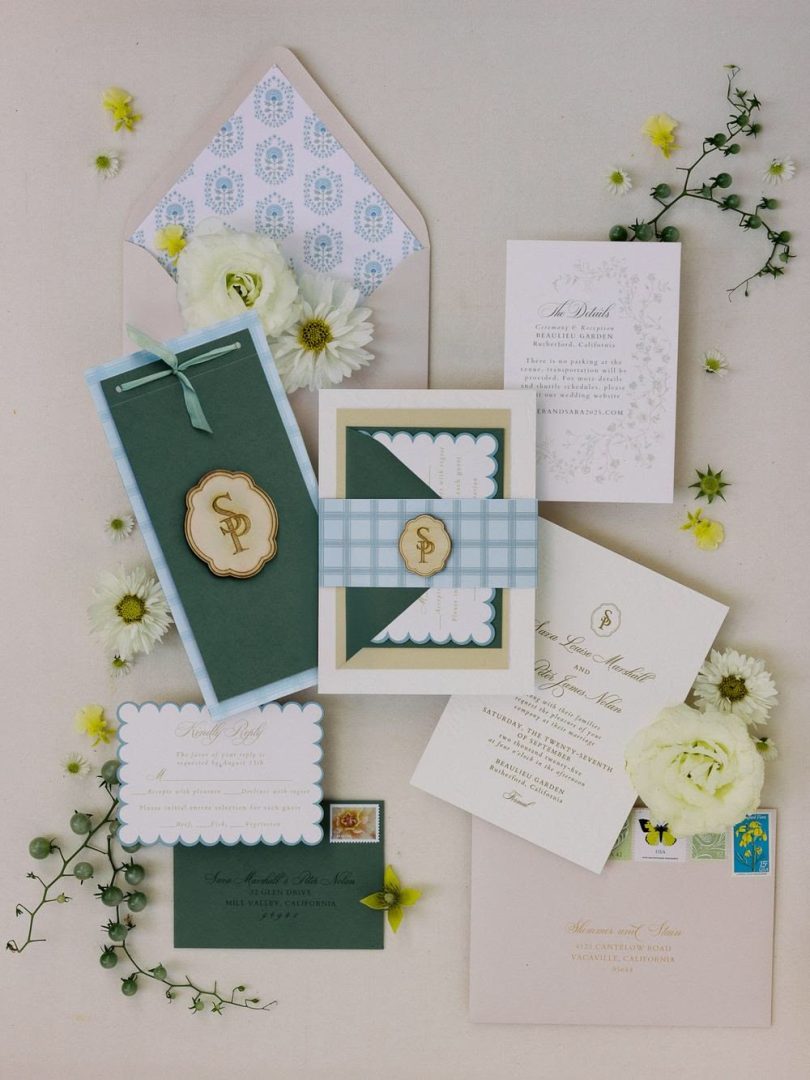
Tips for a Smooth Digital Wedding Experience
When it comes to sharing your wedding website with guests, a few simple steps can make the experience easier for everyone.
- Give guests a heads-up: If you’re collecting RSVPs online, make this clear on your invitation so guests know what to expect when it arrives.
- Test your links: Before sending anything, check that your website URL, RSVP link, and any buttons or QR codes are working correctly.
- Make it mobile-friendly: Many guests will open your invitation or wedding website on their phone, so check that everything is easy to read and navigate on a smaller screen.
- Keep your details up to date: If something changes after your invitations are sent, update your wedding website so guests always have access to the latest information.
- Send friendly reminders: A quick reminder can help guests who haven’t RSVPed yet, particularly as your RSVP deadline approaches.
- Keep the experience consistent: Make sure the information on your invitations matches what’s on your website, so guests aren’t left wondering which details are correct.
Make Digital Wedding Communication Simple
Your wedding website can help bring your invitations, RSVPs, and guest information together in one easy place. With WedSites, you can create digital invitations, add QR codes to your printed stationery, and manage your guest list and RSVPs all from the same platform.
Whether you’re going fully digital or simply using your website alongside printed invitations, it gives your guests a simple way to find the information they need – and makes keeping track of everything a little easier for you, too!